About the virmigo Font
Virmigo Script , is a calligraphy wavy, modern and clasik, so soft, perfect for your next design, such as logos, printed quotes, invitations, cards, product packaging, headers and anything else about your imagination, Virmigo Script allows you to create custom dynamic text, you can access by turning on; Stylistic Alternates, Swash, Stylistic Set, Initial, Contextual Alternates, as well as ligatures in Photoshop, Adobe Illustrator, Adobe InDesign, Microsoft Office or through a panel of glyphs such as Adobe Illustrator, Photoshop CC, Let’s switch from the reguler character into character alternative to get the text with the layout of your dreams
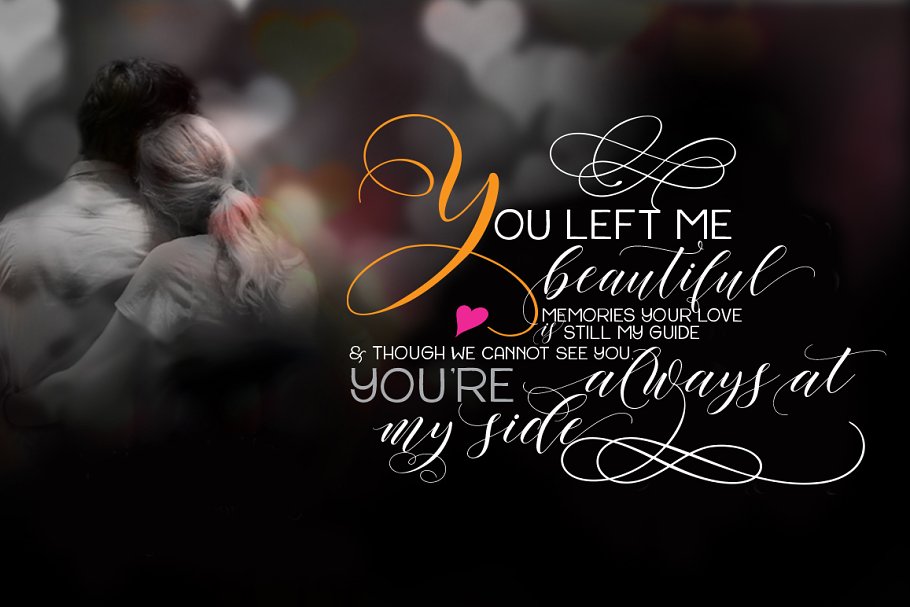
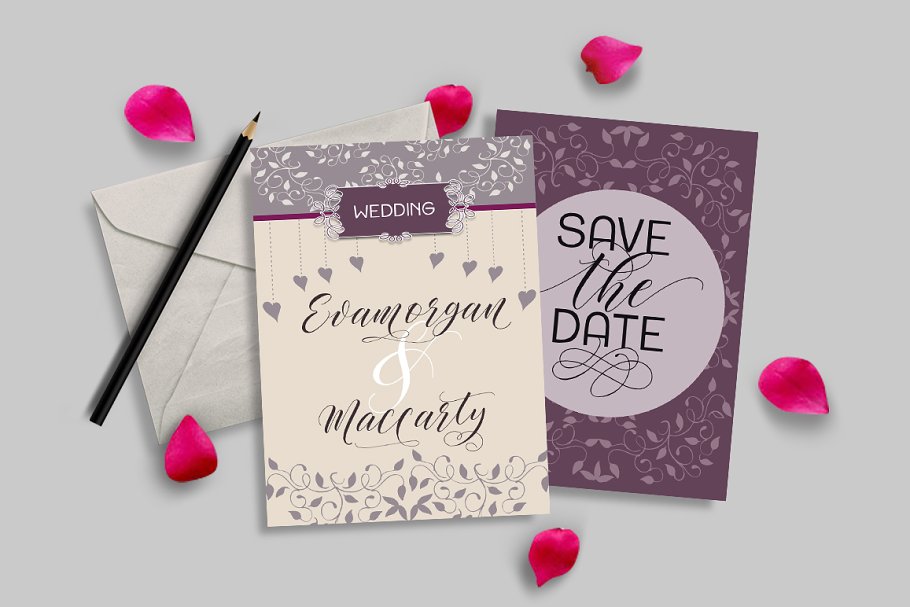
Virmigo Script also includes glyphs, punctuation, numbers, and multilingual, Virmigo Script also combined with Virmigo Sans fontand a wide range therein Flouris features, Virmigo Script 650 glyphs and has given PUA unicode (specially coded fonts), with tons of alternate characters
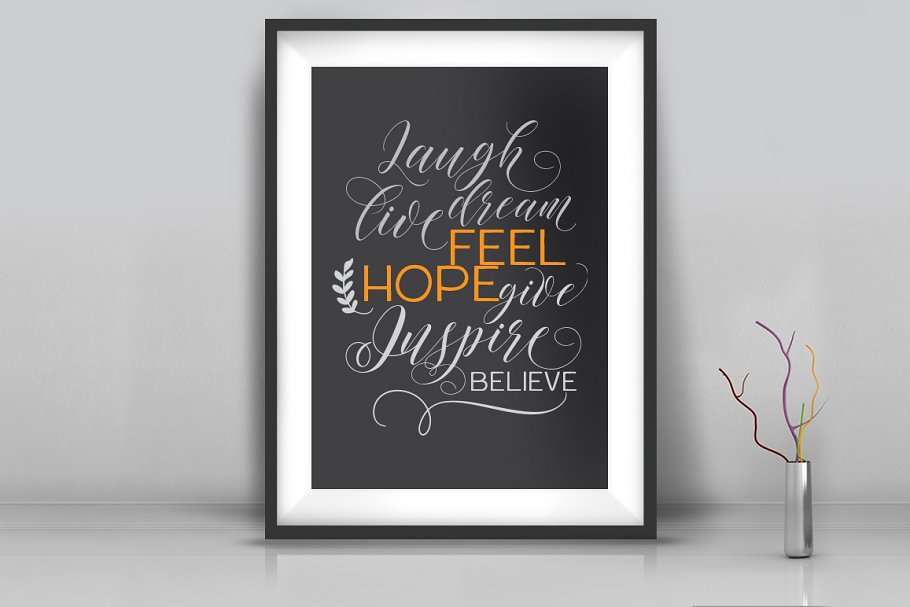
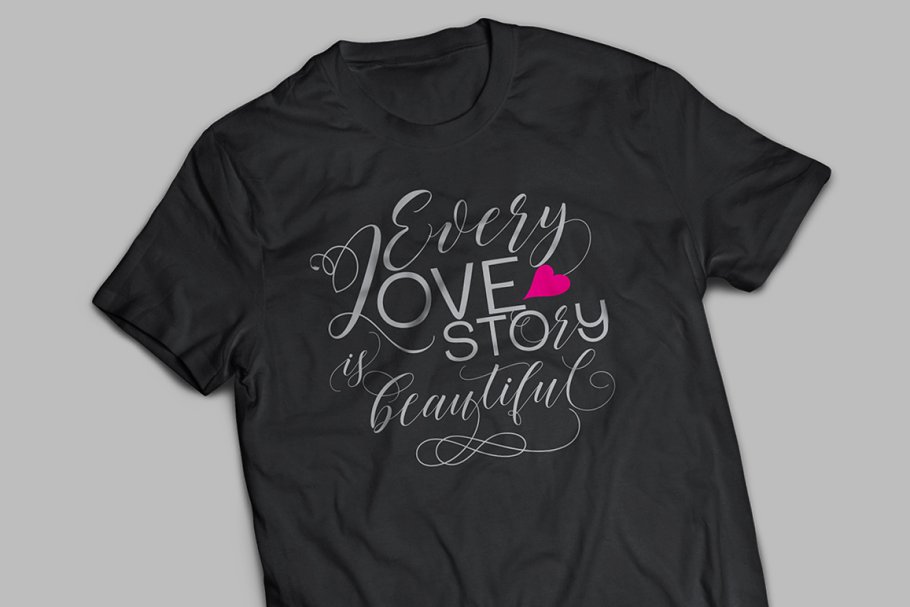
The pack can be accessed in full by any crafter or designer, without the requirement for extra design software, COMPATIBLE WITH SILHOUETTE & CRICUT DESIGN SPACEalso supports in pragram, Adobe Illustrator, Adobe Photoshop, Adobe InDesign, Corel Draw X version, Microsoft Word, Language Support : Albanian, Basque, Breton, Chamorro, Danish, Dutch, English, Faroese, Finnish, French, Frisian, Galician, German, Icelandic, Italian, Malagasy, Norwegian, Portuguese, Swedish
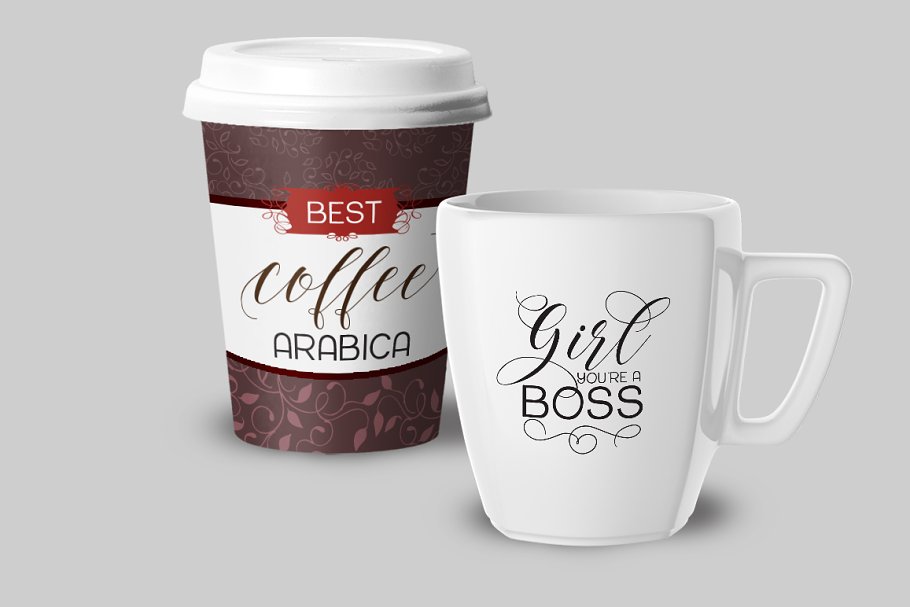
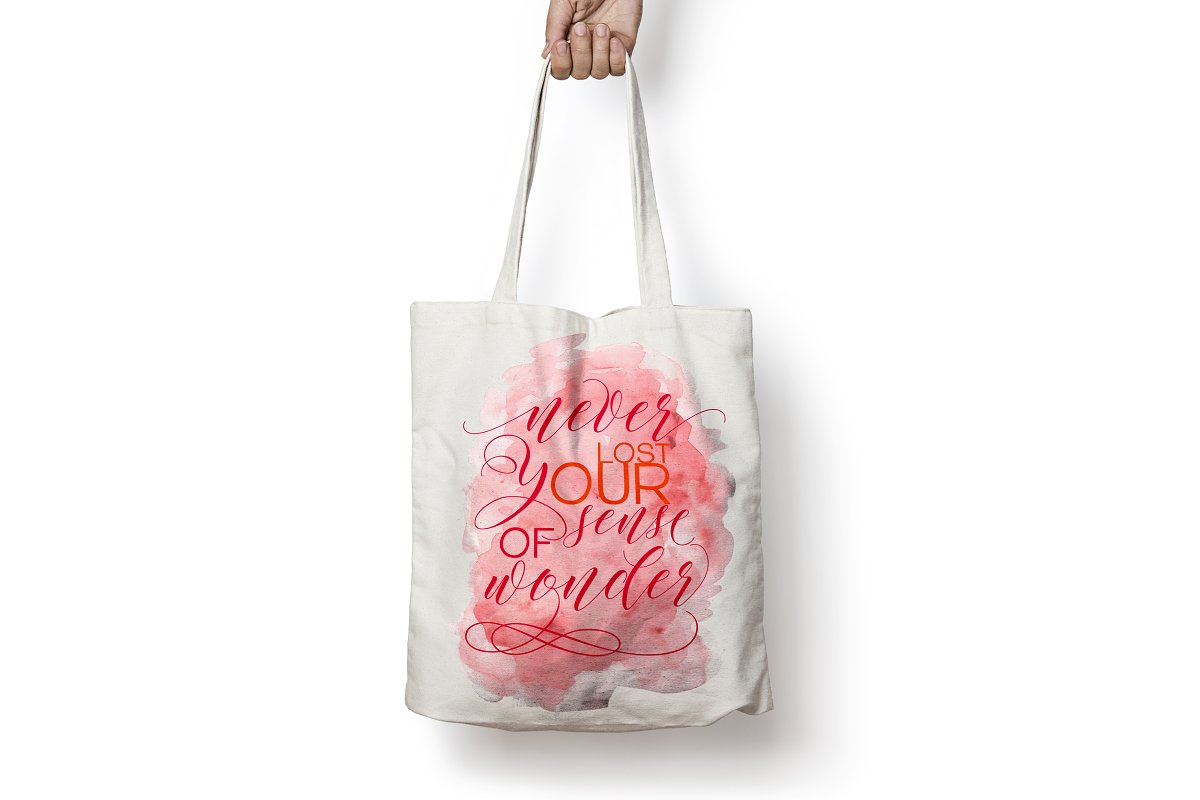
The Features of this fonts is: Contextual Alternates, Standart ligatures, Stylistic Alternates (ss01-ss12), Stylistic Sets, initial & SwashFiles included:Virmigo Script, otfVirmigo Script, ttfVirmigo Sans Flourish, otfVirmigo Sans Flourish, ttfVirmigo Web Fonts (eot, svg, woff, html)Features Basic Latin A-Z and a-z Numbers SymbolsTo Access Alternate Characters Click The Link Below:by using Windows Character Map with Adobe Photoshop (PS)https://www
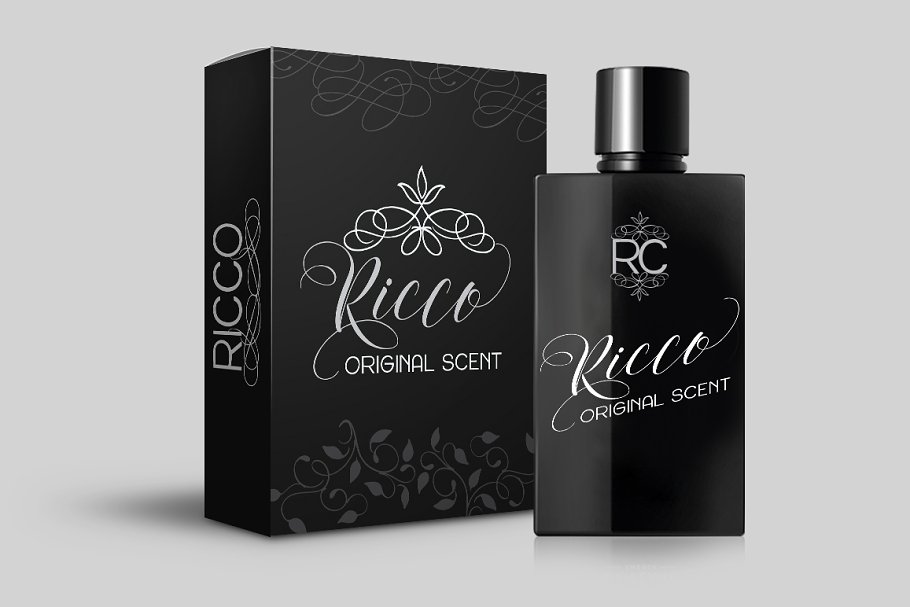

youtube, com/watch?v=BScPsiubM1kby using Adobe Illustrator (AI)https://www, youtube, com/watch?v=y5XTaWYwWA4If using a Mac, the easiest way to find the glyph you require is to use the Font Book application (included in the standard installation of OSX) Choose View Repertoire from the application menu and select the font to display all characters included
Click to select any of the displayed glyphs and copy / paste it back into PhotoshopHow to access all of the alternate character Microsoft Word click symbols select more symbols,how to access all the glyphs in CorelDraw: on the Menu Bar click Text select Insert Character or press Ctrl + F11 on the keyboard select the font is meantMail support : If you have any question, please contact me Via e-mail wakdjoel@gmail
comThanks for your visit
virmigo Font demo is for PERSONAL USE ONLY!.
More Fonts:
- 25 Best Number Fonts for Displaying Numbers
- Top 20 Best Fonts for Resume
- 100+ Best Professional Fonts To Level Up Your Designs
- 295+ Premium Ultimate Font Collection Free Download
- 27+ Best Premium Signature Fonts for Designers
- 17+ Most Premium Sans Serif Fonts for Modern, Clean Designs
- 45+ Best Modern Futuristic Fonts to Give your Design a Stylish Look
- 20+ Most Decorative Vintage Font Collection
- 40+ Most Popular Fonts of 2020
- 10 Best Premium Fonts for High-Quality Logo Design