About the Humoresque Layered Mini Font
Meet Humoresque, a wisecracking sign painter mini-font family, You may have seen it before if you’ve checked out Artisan’s Tool Chest – http://crtv, mk/p0FcO , The Revival lettering set has been refined, boosted, and programmed as a font that you can install and use for all of your Victorian-revival style projects, Humoresque draws inspiration from modern hand-lettering and turn-of-the-century decorative type
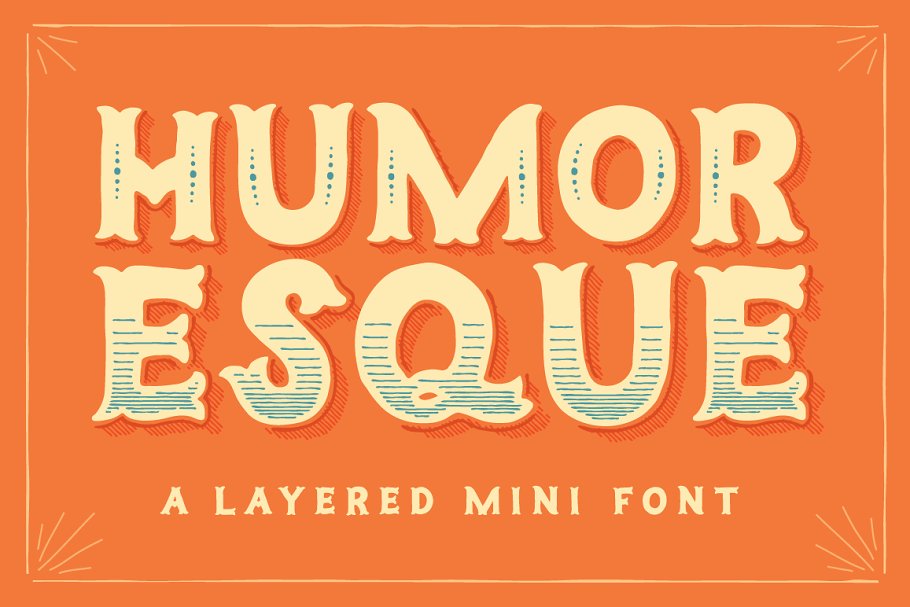
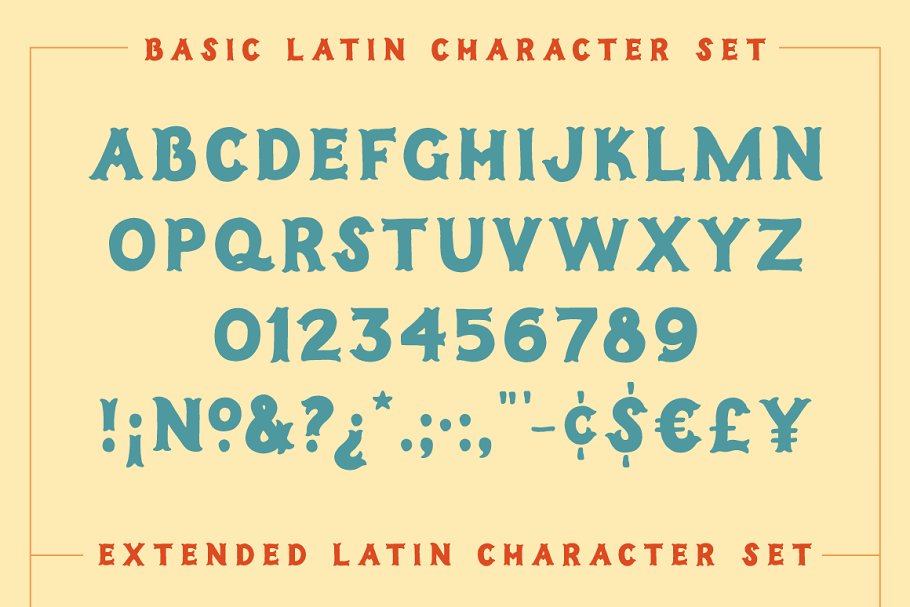
It’s great for bold displays and headlines of wit and whimsy, IMPORTANT Humoresque works best- and is more easy to layer- in OpenType savvy apps such as Adobe Photoshop, Illustrator, and InDesign, The User Guide may be viewed here: http://bit, ly/CFHumoresqueUGSo what do I mean by Mini Font? Humoresque has a more limited character set than many fonts (check out Display 2) but includes a nice selection of extended latin characters and extra currency symbols
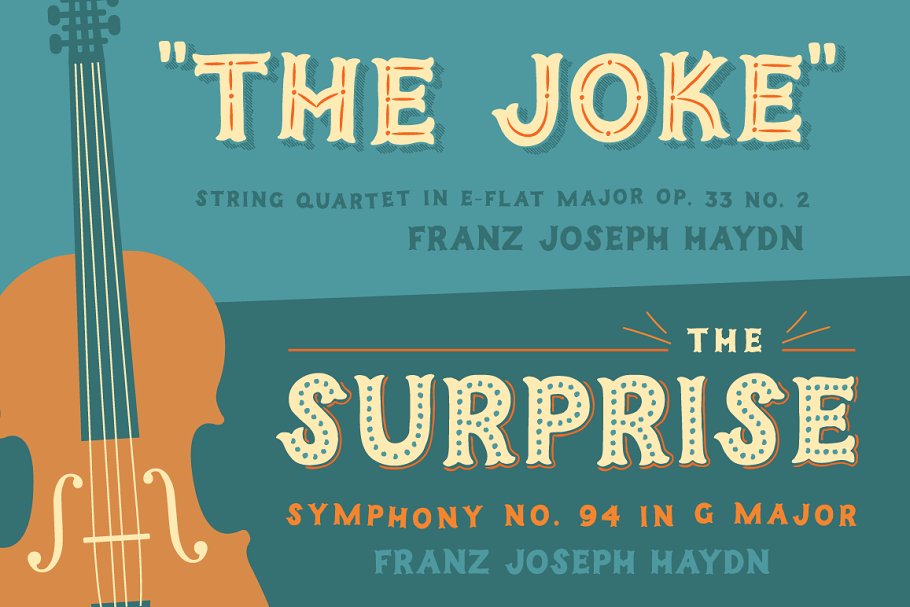
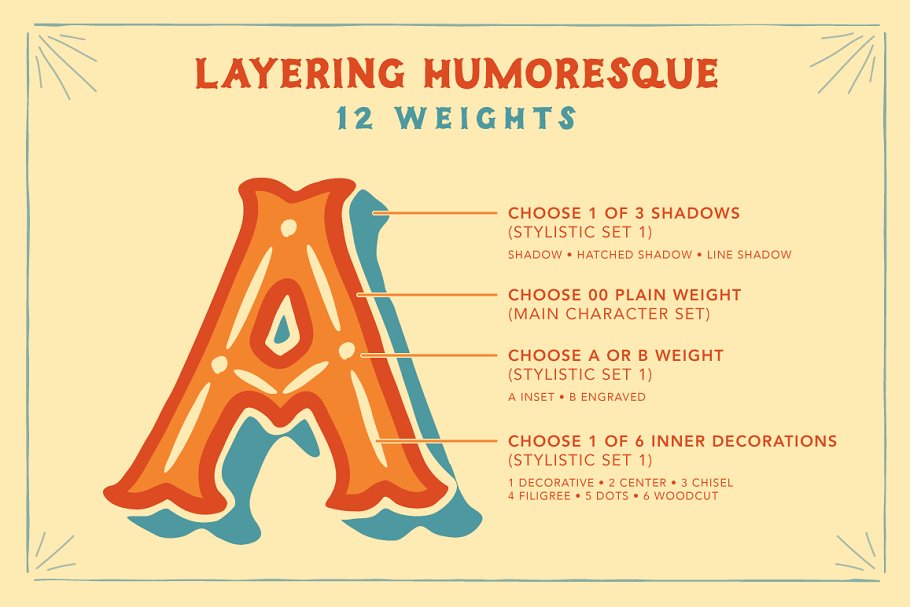
(Click Display 2 for more characters!) With 12 weights and extended Latin, it’s more of a Mega-mini font, Layer it! Humoresque has 12 weights that you can layer in countless ways, (Check out Display 4 and 6), All weights (except 00 Plain) include an additional stylistic alternate character set for layering
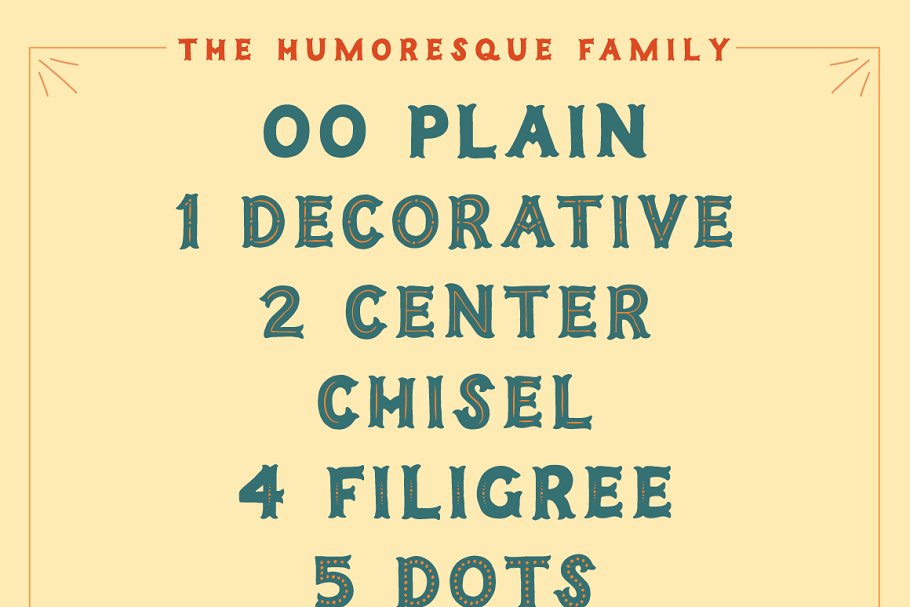
Open your Character Panel (Photoshop) or OpenType Panel (Illustrator) and select the Stylistic Alternate option to type with the effect only minus the main layer shape, 12 Weights00 Plain1 Decorative2 Center3 Chisel4 Filigree5 Dots6 WoodcutA InsetB EngravedHatched ShadowLine ShadowShadowLayering Humoresque (Works best in Photoshop / Illustrator) Instructions with images provided in the User Guide PDF
Layer 1 – Choosing one of the 3 shadow weights, type some letters, In your Character Panel (Photoshop) or OpenType Panel (Illustrator) select the Stylistic Alternate option to change the text to the shadow only minus the main layer shape, At this point you can select any color
Layer 2 – Duplicate that type layer and move it to the front (in layer order), Select that type layer, deselect Stylistic Alternates and change the font to the 00 Plain Weight, At this point you can select any color, Layer 3 – Duplicate that type layer and move it to the front (in layer order)
Select that type layer and change the font to one of the two lettered weights (A Inset or B Engraved; alternately you can skip to the steps in Layer 4), In your Character Panel (Photoshop) or OpenType Panel (Illustrator) select the Stylistic Alternate option to change the text to the effect only minus the main layer shape
At this point you can select any color, Layer 4 – Duplicate that type layer and move it to the front (in layer order), Select that type layer and change the font to one of the six numbered weights (1 Decorative, 2 Center, etc), At this point you can select any color
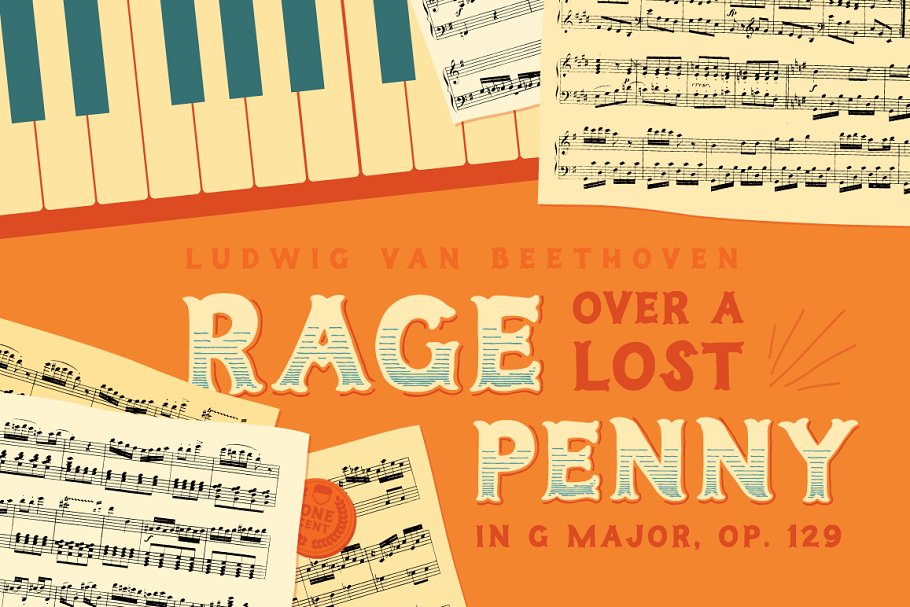
Please let me know if you have any questions about the font by sending me a private message, User guide and character maps included! Webfonts also included, Credits: Violin illustration in display 3: http://crtv, mk/a0IRn // Music in display 5 Rage over a lost penny by Ludwig Van Beethoven: imslp
org // Scissors illustration in display 7: http://crtv, mk/f0XB6
Humoresque Layered Mini Font demo is for PERSONAL USE ONLY!.
More Fonts:
- 25 Best Number Fonts for Displaying Numbers
- Top 20 Best Fonts for Resume
- 100+ Best Professional Fonts To Level Up Your Designs
- 295+ Premium Ultimate Font Collection Free Download
- 27+ Best Premium Signature Fonts for Designers
- 17+ Most Premium Sans Serif Fonts for Modern, Clean Designs
- 45+ Best Modern Futuristic Fonts to Give your Design a Stylish Look
- 20+ Most Decorative Vintage Font Collection
- 40+ Most Popular Fonts of 2020
- 10 Best Premium Fonts for High-Quality Logo Design